
AI Movie Director · Now in studio
Grok Imagine Director — Create AI Movies Online
Describe the film you want to make and Imagine Director turns it into a script, a shot-by-shot storyboard, and a rendered scene. An independent AI movie director workspace — not affiliated with xAI or Grok.
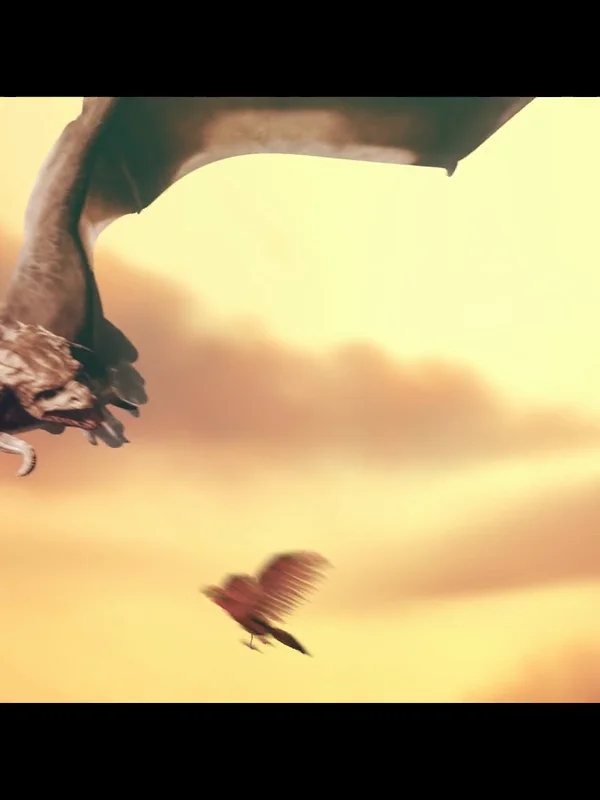
Sci-Fi · Sintel
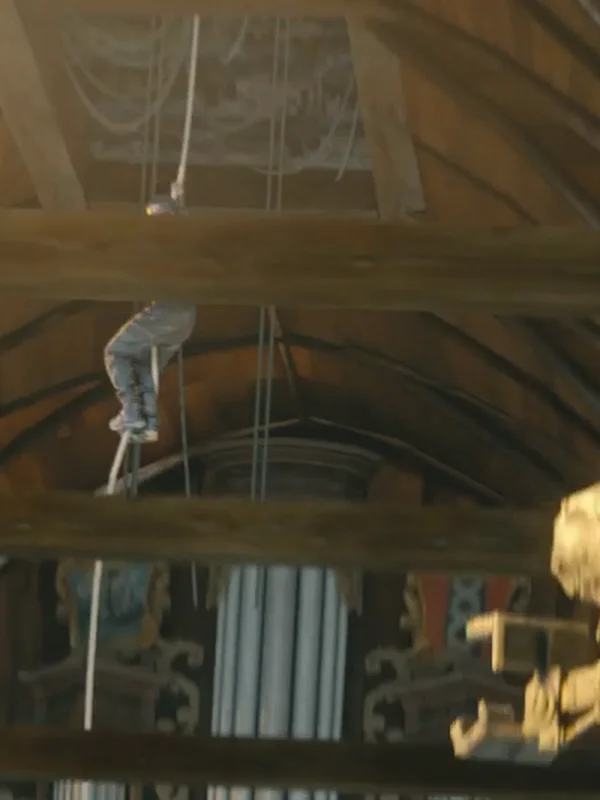
Action · Tears of Steel
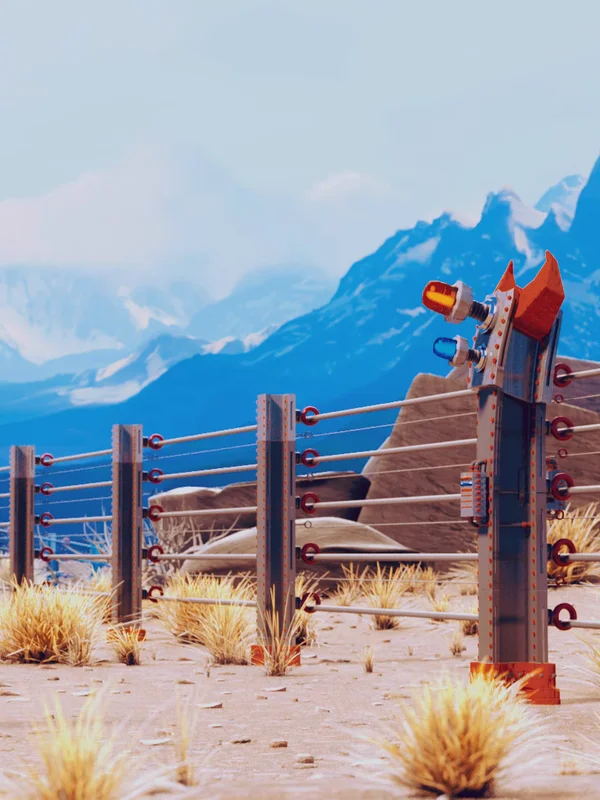
Drama · Caminandes
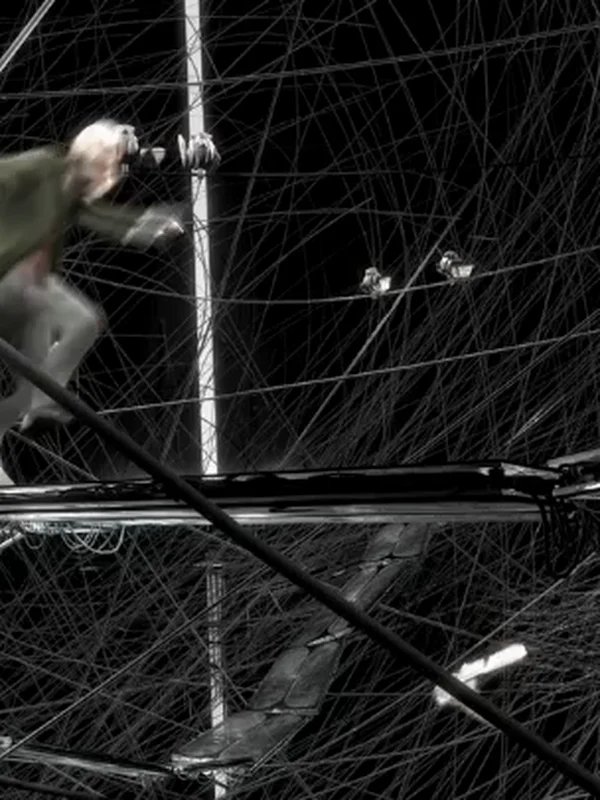
Experimental · Elephants Dream
Imagine Director is an independent AI movie creation tool and is not affiliated with xAI or Grok.
From one line to a finished scene
Imagine Director treats your prompt like a director would — script, shots, boards, then render.
- 1
Script
Your prompt becomes a structured screenplay — scene headings, beats, dialogue.
- 2
Scenes
The script is split into shootable scenes with location, lighting and mood notes.
- 3
Storyboard
Each scene gets shot-by-shot boards — framing, lens suggestion, camera move.
- 4
Render
Pick a shot, hit render. The video model produces the clip ready to cut into your edit.
Pick a genre. We speak its language.
Each genre card loads a director-ready prompt shape — tone, pacing, camera grammar.
Script & Storyboard Generator
Paste a logline or a scene idea. Imagine Director writes a screenplay page, breaks it into scenes, and generates storyboard frames you can turn into finished shots inside the studio.
- Screenplay format — scene headings, action lines, dialogue
- Shot-by-shot storyboard with framing and camera movement notes
- Genre-aware pacing — a horror beat is timed differently from a comedy beat
- One click to send any board into the render pipeline
SCENE 1 — INT. COFFEE SHOP — NIGHT
  A detective slides a photo across the table.
  CUT TO: close-up on trembling hands.

SCENE 2 — EXT. CITY STREET — RAIN
  Neon signs reflect in puddles.
  The suspect disappears around the corner.

SCENE 3 — INT. APARTMENT — CONTINUOUS
  Phone rings. Nobody answers.
How it works
Three steps from idea to finished clip.
- 01
Describe your film
Tell us the story, the mood, the genre. A single sentence is enough.
- 02
Review the breakdown
See the script, scenes, and storyboard frames. Edit anything before you commit.
- 03
Render your shots
Send a scene to the render queue. Download the clip or keep iterating.
What directors are making
Real renders from the Imagine Director pipeline — scripts, boards, and clips produced inside the studio.
- Action
Snow Fight
A warrior battles a dragon on a snowy mountain pass, sweeping camera, epic scale. From Sintel (Blender Foundation, CC-BY).
- Adventure
Dragon Chase
A dragon pursues a rider across an icy landscape, low-angle tracking shot. From Sintel (Blender Foundation, CC-BY).
- Sci-Fi
The Lab
Scientists debate in a dark robotics lab, overhead fluorescent lighting, tense atmosphere. From Tears of Steel (Blender Foundation, CC-BY).
- Action
The Climb
A soldier scales a collapsing scaffold, dust and debris falling, dutch-angle camera. From Tears of Steel (Blender Foundation, CC-BY).
- Sci-Fi
Mech Reveal
A giant mechanical creature emerges through fog, soldiers frozen in place, dramatic scale reveal. From Tears of Steel (Blender Foundation, CC-BY).
- Experimental
Solo Corridor
A lone figure walks down an endless wireframe corridor, ambient light pulsing, surreal tone. From Elephants Dream (Blender Foundation, CC-BY).
- Drama
Machine Room
Two characters argue inside a vast machine hall, volumetric light cutting through darkness. From Elephants Dream (Blender Foundation, CC-BY).
- Drama
High Country
A llama crosses a mountain pasture at dawn, mist rolling over grass, wide cinematic framing. From Caminandes (Blender Foundation, CC-BY).
Frequently asked questions
Everything directors ask before their first scene.
Direct your first scene
One sentence in, a finished clip out.